
Lobbik Compagnon
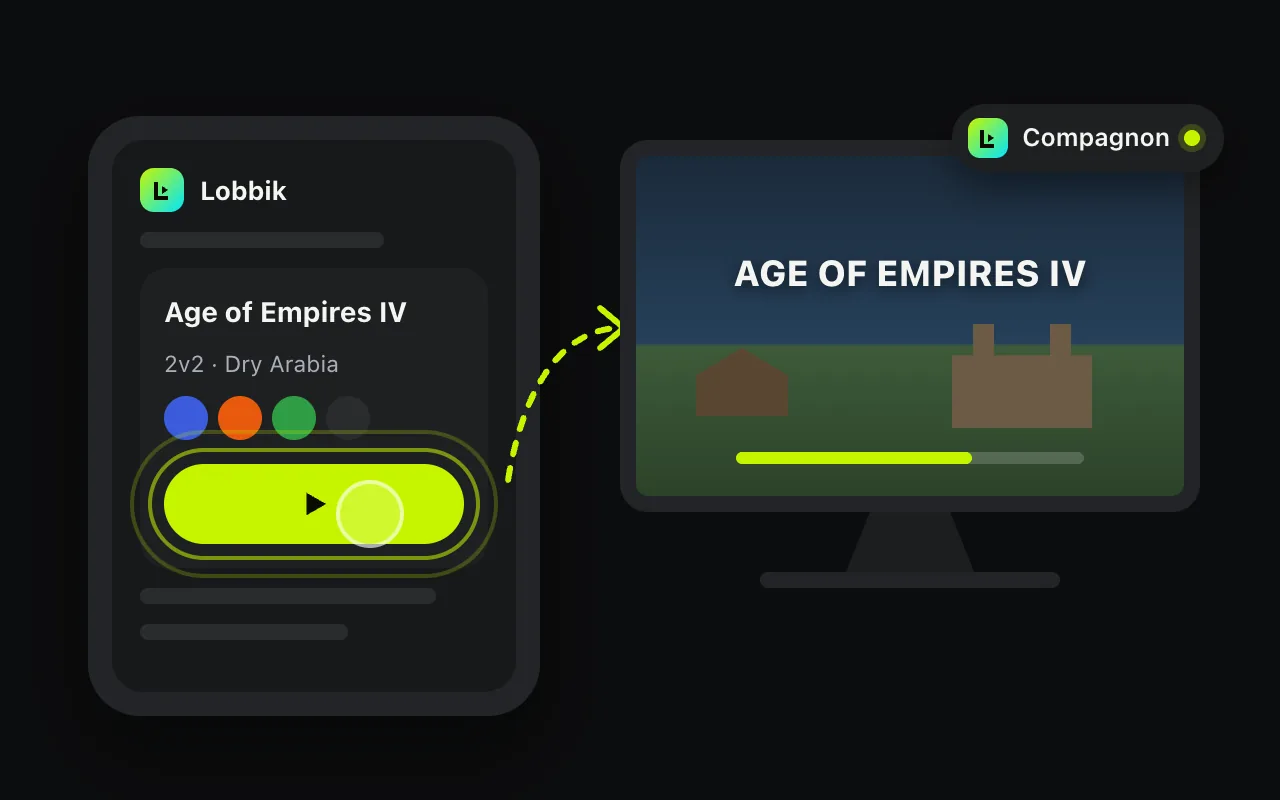
A small free program for Windows, macOS and Linux. Once linked to your account, “Join” opens the game on the computer, replays start in the game and you receive game invitations.
What the Companion does

Windows 10 / 11
Recommended: the Lobbik program, which updates itself.

Also on the Microsoft Store (the Store version arrives a few days after the site’s).
macOS
Linux Linux PC
With a screen: extract the archive and run ./lobbik-compagnon. Server or PC without a screen (Lobbik relay): sudo ./installer.sh shows a pairing code and a QR code in the terminal, then installs the systemd service (automatic, signed updates).
Link it to your account
- Launch the program: it sits in the taskbar, next to the clock.
- On the site, once signed in: click the Companion logo at the bottom left, then “Link this computer in one click” (Companion 2.2.45 or later). Otherwise, type the 8-character code shown by the Companion.
- That’s it. The dot turns green: the device is online. Closing the window keeps it in the taskbar.
With the .exe, Windows may show “Windows protected your PC”: click “More info” then “Run anyway”. On Mac: the app is signed and verified by Apple. The program only holds a token that unlocks your own commands, and it updates itself.
Version 2.2.55 · Back to the site